
ZDNET roundup: 50+ Windows 11 keyboard shortcuts to speed up work
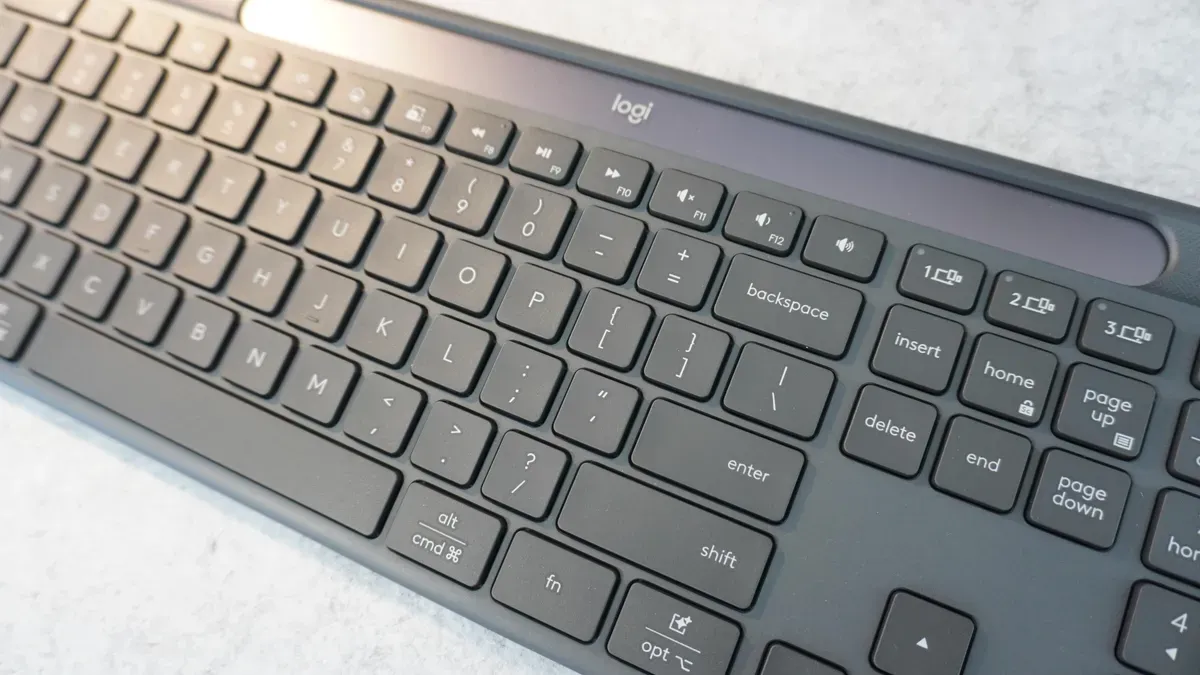
Kerry Wan at ZDNET published a roundup of more than 50 keyboard shortcuts for Windows 11 aimed at boosting productivity and reducing mouse clicks.
The guide groups shortcuts into categories such as productivity (for example Ctrl+C, Ctrl+V, Ctrl+Shift+V and Win+V for clipboard access, plus Ctrl+Z and Ctrl+Y), accessibility (Win+Plus to open Magnifier, Win+Ctrl+Enter to launch Narrator, Shift pressed five times to toggle Sticky Keys, and Win+U to open Accessibility settings), navigation (Ctrl+Alt+Tab, Win+S, Win+Tab, Win+D and the Win+arrow keys), file management (Win+E, F2 to rename, F3 to search, Shift+Delete to permanently delete, Ctrl+Shift+N to make a new folder) and browser shortcuts (Ctrl+T, Ctrl+Shift+T, Ctrl+W, Ctrl+Tab, Ctrl+D and Ctrl+H).
Wan notes many users only know the basics and suggests trying these shortcuts over a workday to see a productivity gain. She says she uses many of the shortcuts daily, learned some while researching the piece, and that some shortcuts are universal across apps; browser shortcuts mentioned were tested across Chrome, Edge and Firefox. The guide contains the full list of the more than 50 shortcuts.
Key Topics
Tech, Kerry Wan, Keyboard Shortcuts, File Explorer, Clipboard, Accessibility