qaiser62

The things you can do with Photoshop. Imagine having the power to change how a picture looks, remove all the unwanted imperfections, add some details, and a whole lot more with just a few points and clicks. This is why Adobe was definitely on point with this creation, knowing that it gives people the chance to create what they believe is perfection. Think you have what it takes to dabble with Photoshop? software. Urdu designing needs, like photoshop, inpage or kelk. I will try to make tutorials.

286 videos · 91 followers
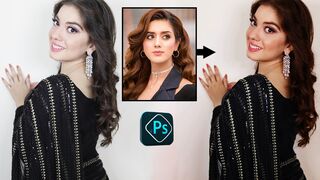
How to Add Digital Makeup in Photoshop

How to Add Digital Makeup in Photoshop

23 views
Adding digital makeup to your look can enhance your natural features and give you more creative freedom in your beauty routine. With digital makeup, you can try on different...
Copy Color Grading From Any Photo With Photoshop

Copy Color Grading From Any Photo With Photoshop

45 views
Copy color grading from any photo is a process of applying a consistent color grading look to multiple photos in a batch. This can be useful for creating a cohesive visual style...
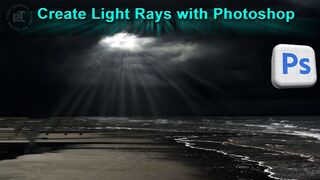
Create Light Rays with Photoshop

Create Light Rays with Photoshop

33 views
Creating light rays can have several benefits, including: 1. Improving visibility and safety: Light rays can help illuminate dark areas, making it easier to see and avoid...
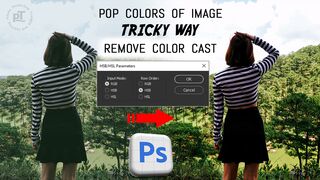
Pop Colors of Image with Trick in Photoshop

Pop Colors of Image with Trick in Photoshop

12 views
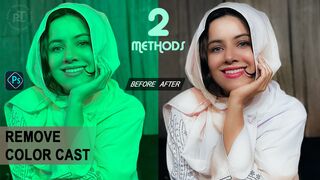
Understanding why pop colors of images and remove color cast are important can help you enhance your photographs. Pop colors refer to the vibrant, eye-catching hues that create...
How to Adjust White Balance in Photoshop

How to Adjust White Balance in Photoshop

16 views
White balance in Photoshop refers to the process of adjusting the color temperature of an image to match the lighting conditions in which it was captured. This can be done using...
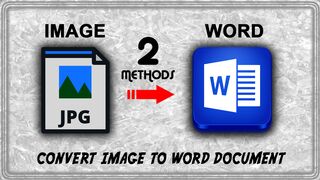
How to Convert Image to Word Document

How to Convert Image to Word Document

67 views
Converting an image to a Word document can be useful for several reasons, such as: * Editing: With a Word document, you can make changes to the content, formatting, and layout...
Photoshop Invert Selection Shortcut Explained

Photoshop Invert Selection Shortcut Explained

56 views
In Photoshop, the invert selection shortcut is a quick and useful feature. To invert the current selection, simply press Shift+Ctrl+I or Shift+F7 and Shift+F6 for Feather (or...
How To Smooth Skin in Photoshop

How To Smooth Skin in Photoshop

16 views
let's dive into the world of smooth skin in Photoshop! Smooth Skin is a powerful tool in Photoshop's Filter menu that helps to analyze and smooth out skin texture. With just a...