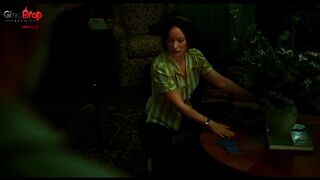
Photo editing tips 2
Want to make your Photoshop edits look more realistic and cinematic?
Lighting can completely change the mood of an image. With a few simple adjustments, you can add depth, focus, and atmosphere to your design.
Here's a simple workflow:
Create a new layer for the light
# Use Soft Light or Overlay blend modes Paint soft highlights with a large brush Add shadows to create more depth
( Use Color Dodge for stronger light effects
@ Control the intensity with opacity
/ Add light around the subject to guide the
viewer's eye
Match the direction of light with the original
scene
The secret is subtle lighting.
Too much light can make an edit look artificial, but the right balance can make a simple image feel completely different.
Perfect for:
i Photo manipulation
曾 Cinematic edits
t Digital artwork
I Social media designs
A
, Creative compositions
#Photoediting